28 August 2026
How to Check Your Thesis References Before You Submit
Your reference list is one of the easiest parts of your thesis to check, which is why examiners often look at it early. Every reference contains details that can be checked in just a few seconds.
In this guide, we will look at seven common reference errors, how to find them in your own bibliography, and how to check your references more quickly before you submit.
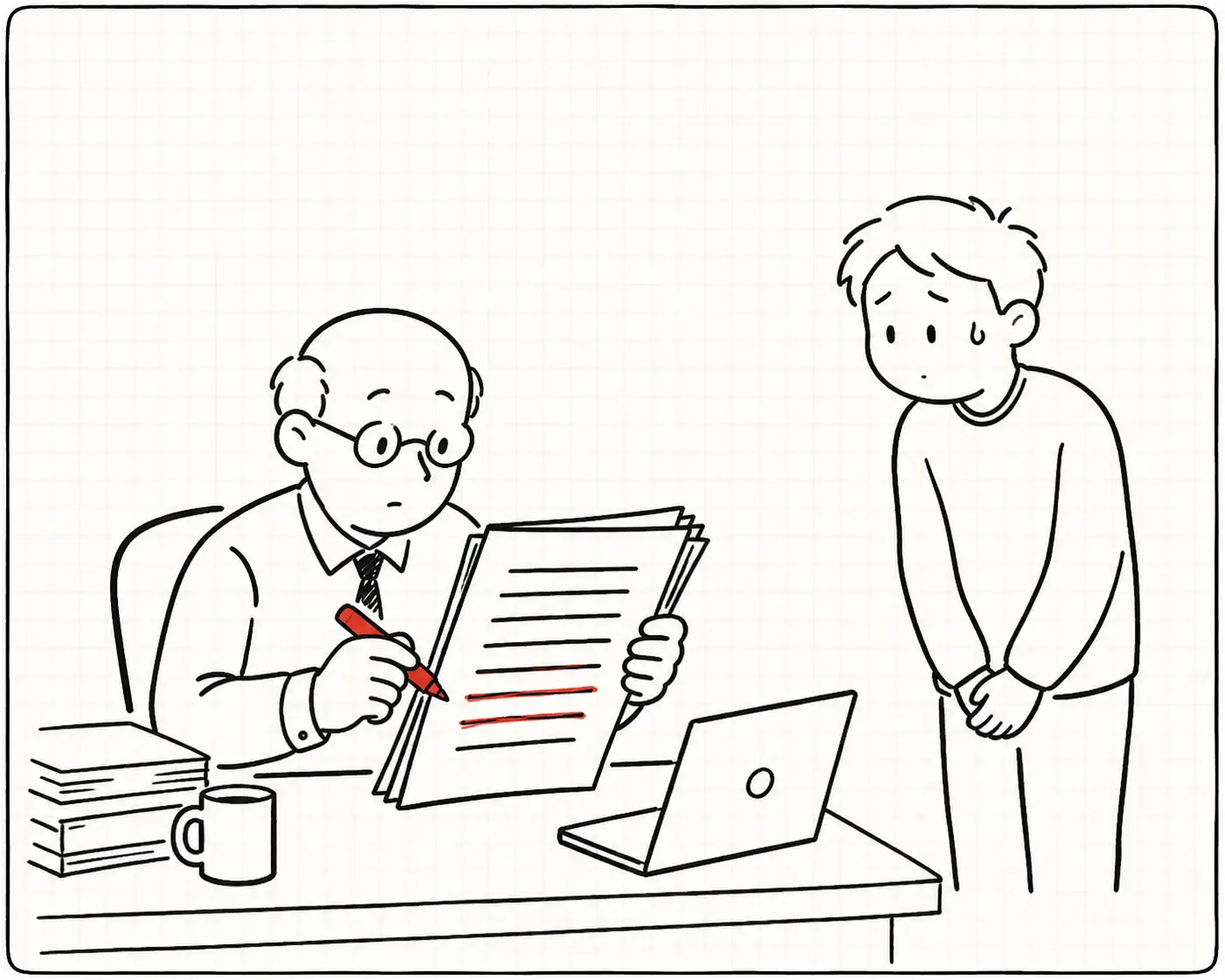
What do examiners look for in a reference list?
Examiners usually check whether each source is real, whether the details are correct, and whether the links still work.
Many reference errors are not fake sources. They are small mistakes that were correct in an earlier draft but became incorrect as you continued editing your thesis.
The 7 most common reference errors
1. The wrong year. You cited a preprint, but the published version came out a year later. Both versions exist, so the mistake can be easy to miss.
2. A broken link. The URL worked when you saved it, but no longer works now. Journals update their websites, universities redesign their pages, and some websites disappear completely.
3. A missing or incorrect author detail. Maybe an author initial was left out or the name was entered incorrectly. It can happen easily when you copy references between different drafts or sources.
4. The wrong edition. You used information from the second edition of a book but cited the first edition, or the other way around.
5. A reference you never cited. You may have removed a section from your thesis but forgotten to remove the related reference from your bibliography. It stays there even though you no longer mention the source in your text.
6. A citation with no reference entry. This is the opposite problem. You cited a source in your thesis but forgot to add it to the reference list.
7. A fake AI citation. If you used an AI tool while working on your literature review, check every reference it helped you create. AI tools can sometimes produce citations that look real, with realistic authors, journals, and publication details, but the paper itself may not exist. We wrote about a related case in The Paper That Was "Published" Before It Existed, and about why an AI watermark will not tell you which parts of a draft a model touched in AI Watermarks Won't Solve AI Detection.
Two more worth checking
A DOI that points to a different paper. Everything visible in the reference is correct, but the DOI resolves to something else. This one hides well, because the only way to see it is to follow the link.
A duplicate entry. The same source appears twice with slightly different details, usually because it was imported into your reference manager twice from two different databases.
Why are these mistakes so difficult to spot yourself?
You have probably read your own reference list many times. After a while, you stop really reading it. You recognise what you expect to see.
For example, if the year in reference number 19 has been wrong since March, your eyes may simply skip over it every time you check your bibliography.
This is normal. It is also why a final manual check is not always enough.
How to check your thesis references automatically
PaperCheck checks your bibliography when you upload your paper. It looks your references up in OpenAlex, Semantic Scholar, Open Library and Google Books, resolves DOI, arXiv and PubMed identifiers where they exist, and compares the details you provided with what it finds.
You get one of four statuses for each reference:
- Verified. The source was found and the details match. Nothing needs to be changed.
- Needs correction. The source was found, but some information does not match. You can compare your reference with the source and decide what needs to be corrected.
- Broken link. The link no longer works.
- Not found. We could not confirm the reference using the sources we search.
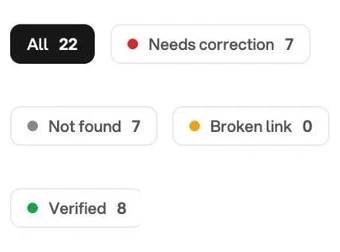
PaperCheck also checks two common structural problems:
- In-text citations that do not have a matching reference in the bibliography
- References in the bibliography that are never cited in the text
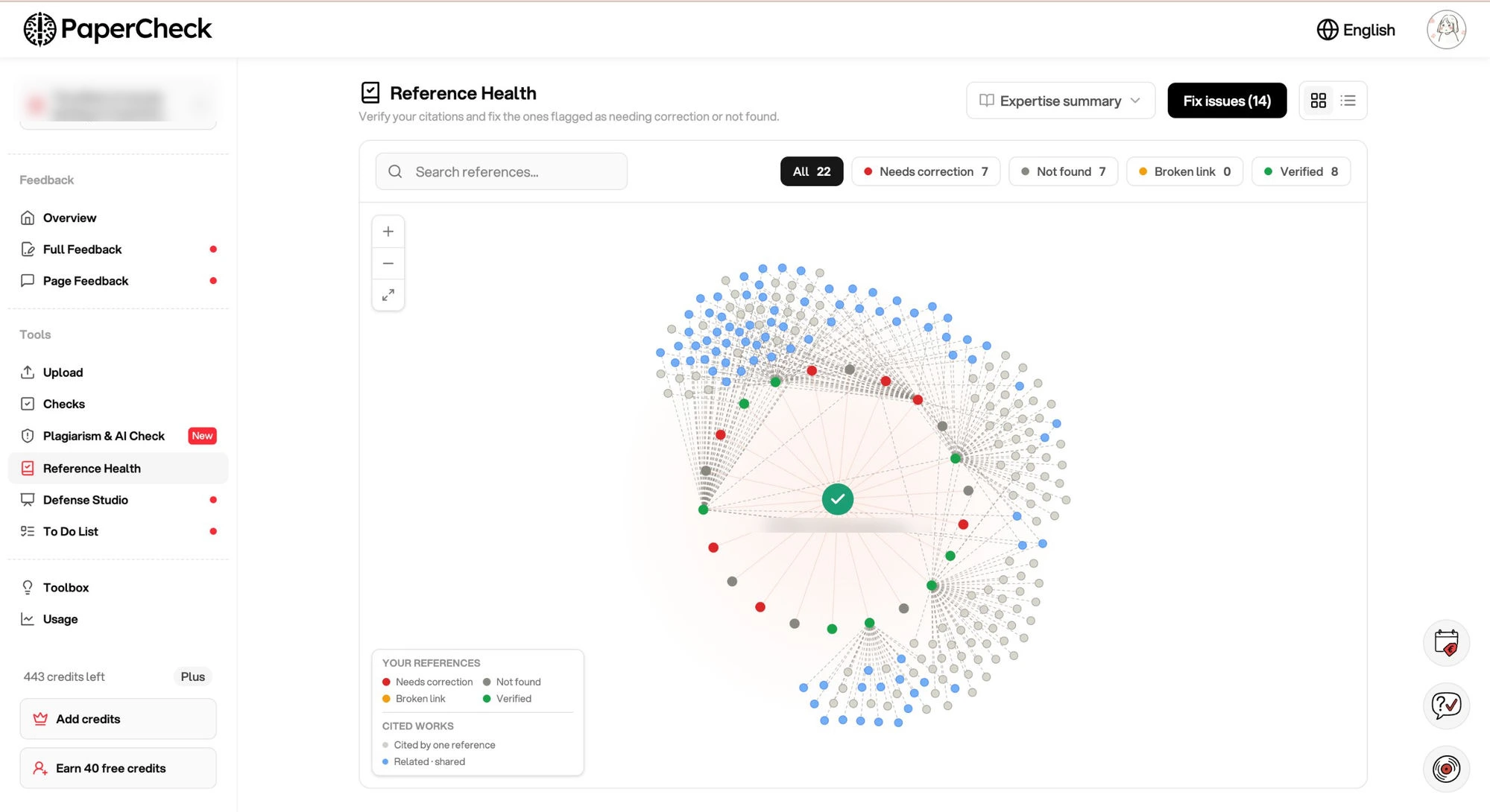
You can then filter the results and focus only on the references that need attention.
You can also view your references as a list or as a graph that shows how your sources are connected. The graph can help you get a quick overview of your literature and see areas where your sources may be limited, which is a useful sanity check when you are clarifying your literature review argument.
Does "not found" mean my source is fake?
No.
"Not found" simply means that we could not confirm the source in the databases we search — OpenAlex, Semantic Scholar, Open Library and Google Books. It does not mean that the source does not exist.
There are several normal reasons why a real source may not be found:
- A book may not be well indexed in public databases
- A government or agency report may be published on a website that is difficult for search tools to access
- A conference paper may not have a DOI or another identifier
- Some fields, languages, and types of research have fewer sources available in open databases
That is why "Not found" is shown as a neutral status. We do not want to tell you that a source is fake when we simply cannot confirm it.
Where is the check most reliable?
The check is usually most reliable for references with a persistent identifier, such as a DOI.
It can be less certain for:
- Books
- Web pages
- Standards
- Government reports and other grey literature
If your bibliography contains many of these sources, you may need to check more of them manually.
A clean reference report does not automatically mean that every source is correct. It simply helps you find the references that need a closer look.
What does it not check?
Reference checking cannot tell you everything about your bibliography.
It does not check:
- Whether a source is high quality or suitable for your argument
- Whether you have enough sources for your topic
- Whether your quotations accurately match the original text
These are still things you need to check yourself or discuss with your supervisor.
Do this before you submit
- Upload your paper for feedback.
- Open Reference Health in the analysis view.
- Filter the results to show flagged references.
- Compare each flagged reference with the original source and correct any mistakes.
- Check the two structural issues: uncited references and citations with no matching reference.
- Upload your paper again if you made major changes to your references.
For a normal bibliography, this should take around 20 minutes.
Why should you bother?
Because it is much better to find a reference problem before your defence than during it, and preparing for the defence is hard enough without it.
Imagine an examiner says, "I could not find this paper," and you are not sure whether the problem is the source, the publication year, the DOI, or the fact that you accidentally cited the wrong paper.
A quick reference check before submission can help you avoid that situation.
More importantly, knowing that you have checked your references gives you one less thing to worry about on submission day.
Reference Health is available on every paper uploaded for feedback. If your thesis is already in PaperCheck, you can find it in the analysis view.